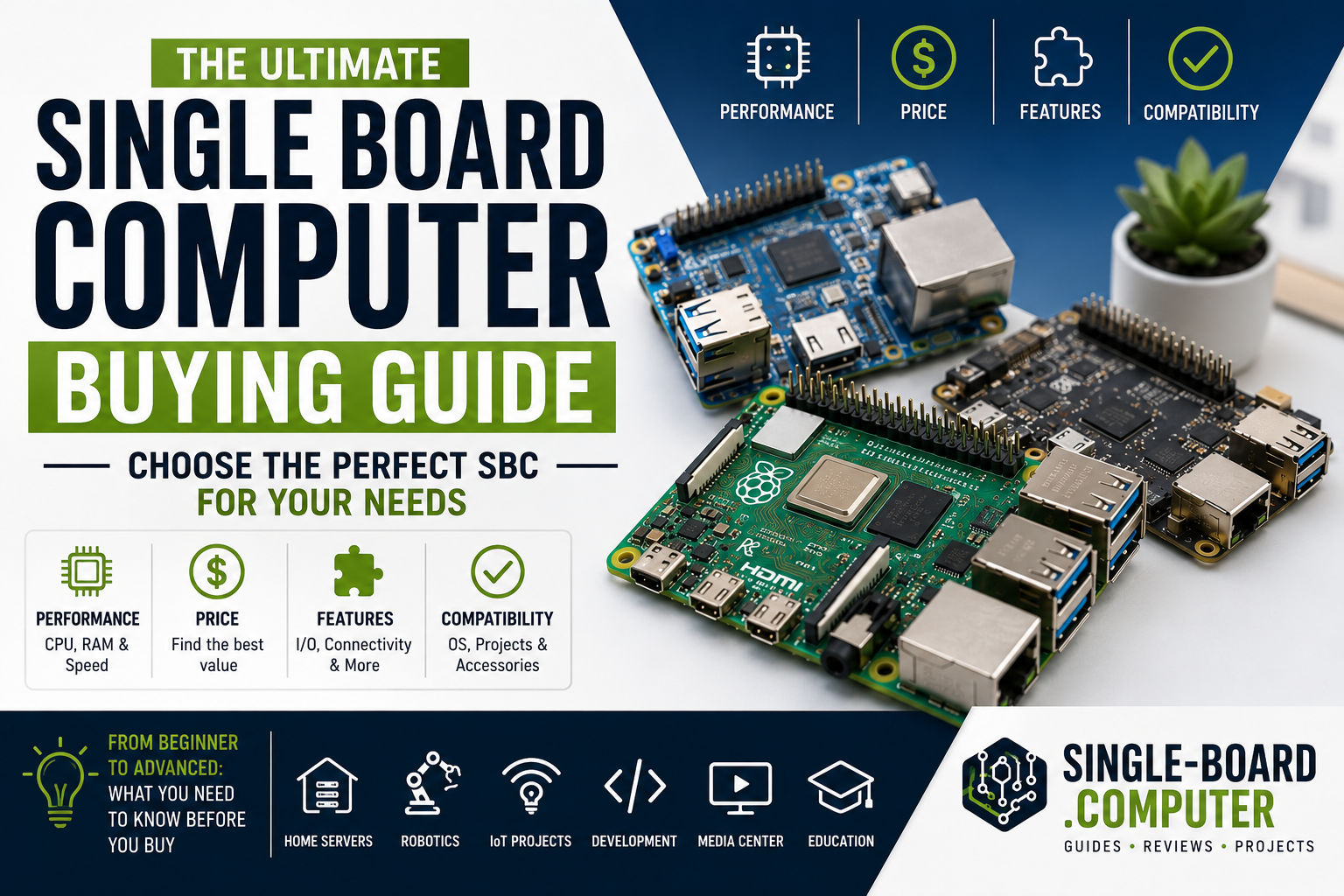
Choosing the right single board computer (SBC) can feel overwhelming—there are dozens of boards, specs, and price points. The good news? If you match the board to your project’s real requirements, the choice becomes straightforward.
This guide walks you step by step through how to choose the right single board computer for your project, whether you’re a beginner, hobbyist, or building something for production.
Step 1: Define Your Project Goal
Before looking at specs, answer one simple question:
What will this single board computer actually do?
Common project goals include:
- IoT sensor or gateway
- Home automation controller
- Robotics or motion control
- Media center
- Network service (VPN, firewall, monitoring)
- Learning Linux or programming
- Industrial or embedded system
Your use case determines everything else—CPU, RAM, connectivity, and power needs.
Step 2: Choose the Right Processor (CPU)
The CPU defines performance, compatibility, and power consumption.
🧠 ARM vs x86 Processors
ARM-based SBCs
- Most common
- Very low power consumption
- Excellent Linux support
- Ideal for IoT, automation, and embedded systems
x86-based SBCs
- Higher performance
- Can run full desktop operating systems
- Better compatibility with traditional PC software
- Higher power usage
👉 Rule of thumb:
If your project is embedded or always-on → choose ARM.
If you need desktop-class software → consider x86.
Step 3: Decide How Much RAM You Need
RAM is one of the most common bottlenecks on SBCs.
💾 RAM Guidelines
- 1–2 GB:
Basic projects, sensors, command-line tools - 4 GB:
IoT gateways, light servers, desktop Linux - 8 GB or more:
Containers, databases, multiple services, heavier workloads
⚠️ Most SBCs have non-upgradable RAM, so choose carefully.
Step 4: Storage Options Matter More Than You Think
Unlike traditional computers, SBCs often rely on external or embedded storage.
📦 Common Storage Types
- microSD card – cheap, flexible, slower, less durable
- eMMC – faster and more reliable than microSD
- NVMe / SATA – best performance, ideal for servers and databases
👉 For long-term or production projects, avoid microSD when possible.
Step 5: Check Connectivity and I/O Requirements
This is where many beginners make mistakes.
🔌 Key Interfaces to Look For
- USB (2.0 / 3.0)
- HDMI or DisplayPort
- Ethernet (Fast, Gigabit, or faster)
- Wi-Fi and Bluetooth
- GPIO pins
- UART, I2C, SPI
If your project interacts with sensors, relays, motors, or displays, GPIO and serial interfaces are critical.
Step 6: Power Consumption and Power Supply
Single board computers are often chosen for low power usage, but not all SBCs are equal.
⚡ Power Considerations
- Typical SBCs use 5–15 watts
- High-performance boards may need active cooling
- Check voltage and connector type (USB-C, barrel jack, PoE)
For battery-powered or remote deployments, power efficiency is a top priority.
Step 7: Operating System and Software Support
An SBC is only as good as the software it can run.
🐧 OS Compatibility Checklist
- Linux distribution support (Ubuntu, Debian, etc.)
- Vendor-maintained images
- Community support and documentation
- Driver availability
Boards with strong community support save you time and frustration—especially as a beginner.
Step 8: Community, Documentation, and Ecosystem
This factor is often underestimated but hugely important.
📚 Why Community Matters
- Tutorials and guides
- Active forums
- Pre-built images and tools
- Faster troubleshooting
If you’re learning or prototyping, a strong ecosystem can matter more than raw specs.
Step 9: Budget and Total Cost
Don’t look only at the board price.
💰 Consider the Full Cost
- Power supply
- Storage
- Case
- Cooling
- Cables and accessories
Sometimes a cheaper board becomes expensive once accessories are added.
Quick Decision Guide
| Project Type | Recommended Focus |
|---|---|
| IoT / Sensors | Low power, GPIO, Linux support |
| Robotics | GPIO, real-time performance |
| Media center | GPU, HDMI, RAM |
| Home server | RAM, fast storage, Ethernet |
| Learning | Community, documentation |
| Industrial | Reliability, long-term availability |
Common Mistakes to Avoid
❌ Choosing based only on price
❌ Ignoring software support
❌ Underestimating RAM needs
❌ Using microSD for critical systems
❌ Overbuying performance you’ll never use
Final Thoughts
Choosing the right single board computer isn’t about finding the “best” board—it’s about finding the right fit for your project.
Start with your goal, match it to the required specs, and prioritize software support and reliability. Do that, and your SBC project will start smoothly—and stay stable long-term.
In the next guides, we’ll dive deeper into:
- Best single board computers
- Single board computer explained
- Single Board Computer vs Traditional Computer: Key Differences
- Single Board Computer FAQ: Everything Beginners Ask
👉 Keep exploring and you’ll quickly see why single board computers are ever