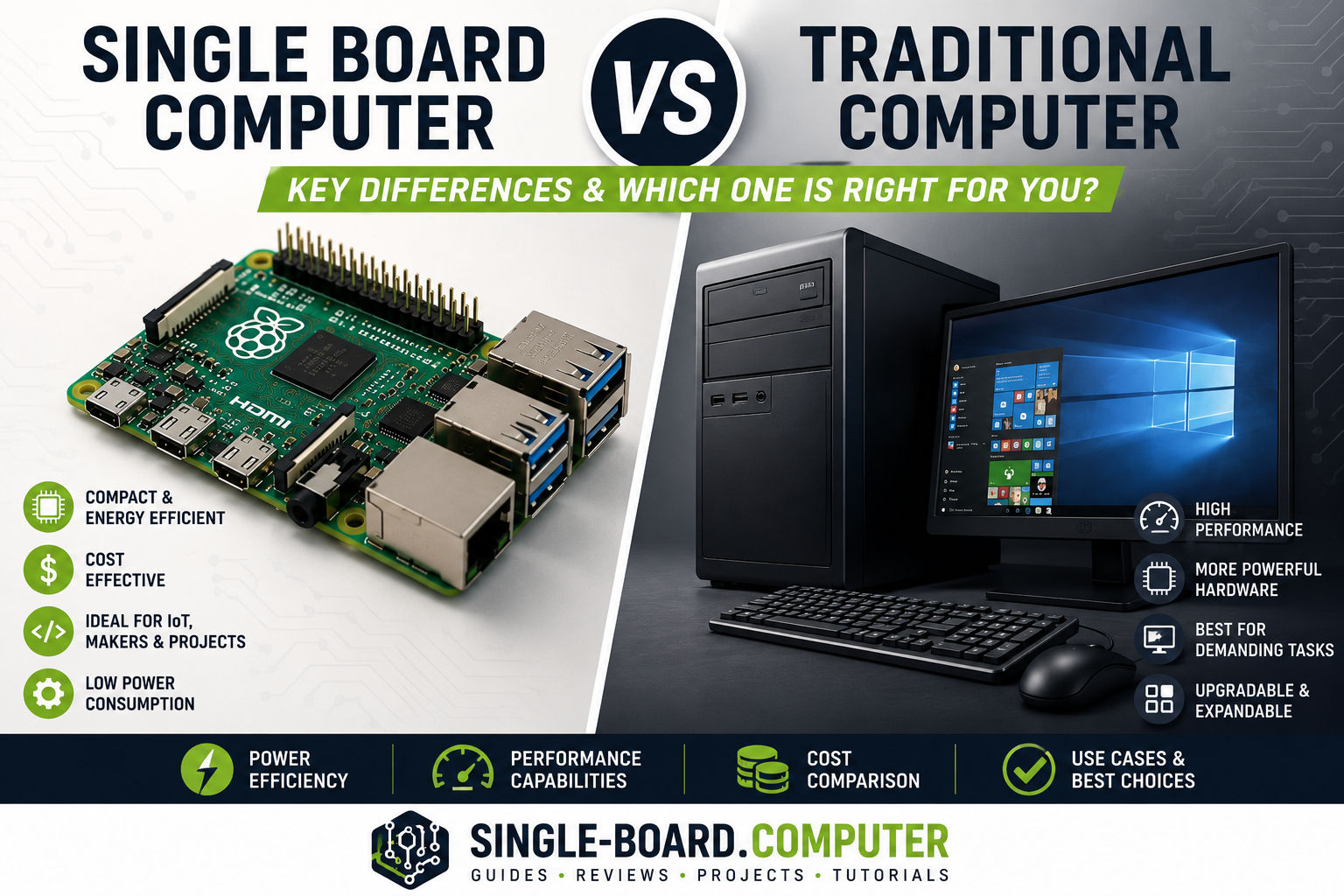
If you’re deciding between a single board computer (SBC) and a traditional computer (desktop or laptop), the right choice depends less on brand names and more on what you want to do.
In this guide, we’ll break down the key differences between single board computers and traditional computers, using simple language and real-world examples—perfect if you’re new to SBCs.
What Is the Difference Between a Single Board Computer and a Traditional Computer?
The main difference is how the computer is built and what it’s designed for.
- A single board computer integrates all core components onto one circuit board.
- A traditional computer uses separate, modular components (motherboard, RAM, storage, GPU, power supply).
This design choice affects performance, power usage, cost, size, and typical use cases.
Architecture and Design
🧩 Single Board Computer
- Everything is on one board
- CPU, RAM, networking, and I/O are permanently integrated
- Minimal moving parts
🖥️ Traditional Computer
- Multiple replaceable components
- Separate motherboard, memory modules, storage drives
- Often includes fans and larger cooling systems
Impact:
SBCs are compact and reliable; traditional computers are flexible and powerful.
Performance Comparison
| Aspect | Single Board Computer | Traditional Computer |
|---|---|---|
| CPU power | Low to moderate | Moderate to very high |
| RAM capacity | Usually fixed | Easily upgradeable |
| GPU | Integrated, shared memory | Dedicated GPU possible |
| Multitasking | Limited | Excellent |
A traditional computer is better for:
- Gaming
- Video editing
- Heavy multitasking
- Professional workloads
A single board computer excels at:
- Running one or two focused services
- Automation and control tasks
- Always-on workloads
Power Consumption
One of the biggest advantages of SBCs is energy efficiency.
- Single board computer:
Typically 5–15 watts - Desktop computer:
Often 150–600+ watts
Why this matters:
- Lower electricity costs
- Less heat
- Ideal for 24/7 operation
If your project needs to stay on all the time, an SBC is often the smarter choice.
Size and Portability
📏 Size Comparison
- SBCs can be credit-card sized
- Traditional computers require cases, monitors, and peripherals
Result:
Single board computers fit easily into:
- Electrical enclosures
- Control cabinets
- Robotics frames
- Small network racks
Expandability and Upgrades
Single Board Computer
- Limited upgrade options
- RAM usually cannot be upgraded
- Expansion via GPIO, USB, or add-on boards (HATs)
Traditional Computer
- Easy upgrades (RAM, storage, GPU, CPU)
- Long-term flexibility
Trade-off:
SBCs prioritize simplicity and stability, while traditional computers prioritize customization.
Operating Systems and Software
Both platforms support modern operating systems, but with different strengths.
SBC Operating Systems
- Linux distributions (most common)
- Android
- Windows IoT / Windows on ARM (select models)
Traditional Computer OS
- Windows
- macOS
- Linux (full desktop environments)
Traditional computers generally have broader driver and software compatibility, especially for commercial software.
Cost Comparison
| Category | Single Board Computer | Traditional Computer |
|---|---|---|
| Initial cost | Very low | Higher |
| Power cost | Very low | High |
| Maintenance | Minimal | Moderate |
| Accessories | Optional | Required |
SBCs are excellent for low-budget projects, education, and embedded systems.
Typical Use Cases
✅ Best Uses for Single Board Computers
- Internet of Things (IoT)
- Home automation
- Network monitoring
- Robotics
- Media servers
- Industrial controllers
- Learning Linux and programming
✅ Best Uses for Traditional Computers
- Office productivity
- Gaming
- Content creation
- Software development
- Data analysis
- General-purpose computing
Reliability and Uptime
Single board computers often run fanless, reducing mechanical failure points. This makes them ideal for:
- Industrial environments
- Continuous operation
- Remote deployments
Traditional computers rely more on fans and moving parts, which can fail over time.
Which One Should You Choose?
Choose a single board computer if you:
- Need low power consumption
- Want a compact, embedded system
- Are building an IoT or automation project
- Need a device that runs 24/7
Choose a traditional computer if you:
- Need high performance
- Want easy upgrades
- Run demanding applications
- Need full desktop software support
Final Thoughts
The choice between a single board computer vs traditional computer isn’t about which is “better”—it’s about which is better for your specific use case.
Single board computers shine in efficiency, simplicity, and specialization. Traditional computers dominate in performance, flexibility, and general-purpose computing.
In the next guides, we’ll dive deeper into:
👉 Keep exploring and you’ll quickly see why single board computers are ever