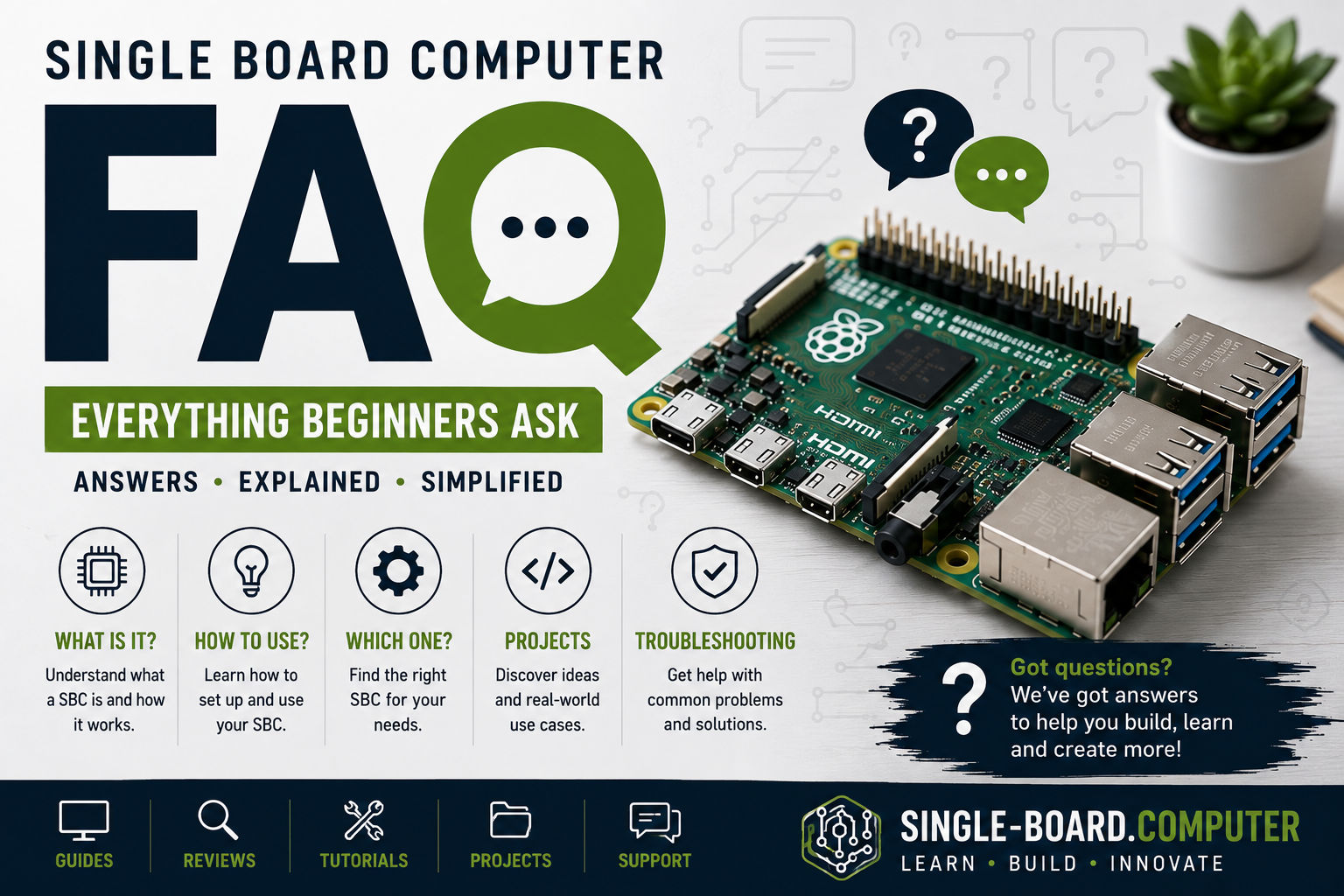
If you’re new to the world of single board computers (SBCs), you probably have a lot of questions—and that’s normal. This FAQ collects the most common beginner questions and answers them clearly, without jargon.
Whether you’re considering your first SBC or already have one on your desk, this guide will help you move forward with confidence.
What Is a Single Board Computer (SBC)?
A single board computer is a complete computer built on a single circuit board. It includes a processor, memory, storage interfaces, networking, and input/output ports—all in a compact form factor.
Unlike desktops or laptops, SBCs are designed for efficiency, small size, and specific tasks rather than maximum performance.
What Can You Do With a Single Board Computer?
A lot more than most beginners expect.
Common SBC Uses
- Internet of Things (IoT) devices
- Home automation systems
- Robotics and electronics projects
- Media centers
- Small servers (DNS, VPN, file sharing)
- Network monitoring
- Learning Linux and programming
If it runs on Linux and doesn’t require heavy graphics or extreme performance, an SBC can probably handle it.
Is a Single Board Computer the Same as a Microcontroller?
No—this is a very common confusion.
SBC vs Microcontroller
- Single Board Computer:
Runs a full operating system (Linux, Android, etc.), supports multitasking. - Microcontroller (MCU):
Runs a single program, no full OS, real-time focused.
If you need networking, a filesystem, or a graphical interface, you want an SBC, not a microcontroller.
Do I Need to Know Programming to Use an SBC?
Not necessarily—but it helps.
You can:
- Use an SBC as a preconfigured server
- Run existing applications
- Follow step-by-step tutorials
That said, learning basic Linux commands and some Python or Bash will unlock the real power of a single board computer.
Which Operating Systems Can SBCs Run?
Most single board computers support multiple operating systems.
Common Options
- Linux distributions (Ubuntu, Debian, Arch)
- Android
- Windows IoT or Windows on ARM (some models)
- Custom embedded Linux systems
Linux is the most popular due to its flexibility, performance, and massive community support.
How Much RAM Do I Need?
It depends on what you want to do.
RAM Guidelines for Beginners
- 1–2 GB: Simple projects, command-line tools
- 4 GB: IoT gateways, light servers, desktop Linux
- 8 GB+: Containers, databases, multitasking
⚠️ RAM is usually not upgradeable, so choose carefully.
Do Single Board Computers Need Cooling?
Some do, some don’t.
- Low-power SBCs can run fanless
- High-performance boards may require:
- Heatsinks
- Fans
- Active cooling
If your board runs hot or throttles performance, cooling is important for stability and lifespan.
How Do Single Board Computers Store Data?
SBCs typically use:
- microSD cards
- eMMC storage
- NVMe or SATA drives (on some models)
For long-term reliability:
- Avoid cheap microSD cards
- Prefer eMMC or SSDs for servers or production projects
Are Single Board Computers Always On?
They can be—and often are.
Because they use very little power, SBCs are ideal for:
- 24/7 services
- Monitoring systems
- Home automation controllers
Just make sure you use a stable power supply.
Are Single Board Computers Secure?
They can be secure—but only if configured properly.
Basic Security Tips
- Change default passwords
- Keep the OS updated
- Disable unused services
- Use firewalls where appropriate
- Avoid exposing services directly to the internet
An SBC is a real computer, so it needs real security practices.
Are SBCs Good for Learning Linux?
Absolutely.
Single board computers are one of the best ways to learn Linux, especially for beginners:
- Low cost
- Easy to reset
- Huge amount of tutorials
- No fear of breaking your main PC
Many professionals started their Linux journey on an SBC.
Can a Single Board Computer Replace a Desktop PC?
Sometimes—but not always.
SBCs Are Good Replacements For:
- Simple home servers
- Lightweight desktops
- Media centers
- Dedicated single-purpose machines
SBCs Are NOT Ideal For:
- Gaming
- Video editing
- Heavy multitasking
- High-end professional workloads
How Long Do Single Board Computers Last?
With proper power and cooling, SBCs can run for years.
Many are designed for:
- Industrial use
- Continuous operation
- Embedded environments
Their lack of moving parts increases reliability.
What Accessories Do I Need to Get Started?
At minimum:
- Power supply
- Storage (microSD or eMMC)
- Keyboard and mouse
- Monitor (for first setup)
Optional but useful:
- Case
- Cooling
- Ethernet cable
- USB hub
What Is the Biggest Beginner Mistake?
The most common mistakes are:
- Choosing the cheapest board without checking software support
- Underestimating RAM needs
- Using low-quality power supplies
- Relying on microSD cards for critical systems
Planning ahead avoids most problems.
Final Thoughts
Single board computers are powerful, flexible, and beginner-friendly once you understand their strengths and limits. They’re perfect for learning, experimenting, and building real-world systems—without the cost or complexity of traditional computers.
In the next guides, we’ll dive deeper into:
👉 Keep exploring and you’ll quickly see why single board computers are ev