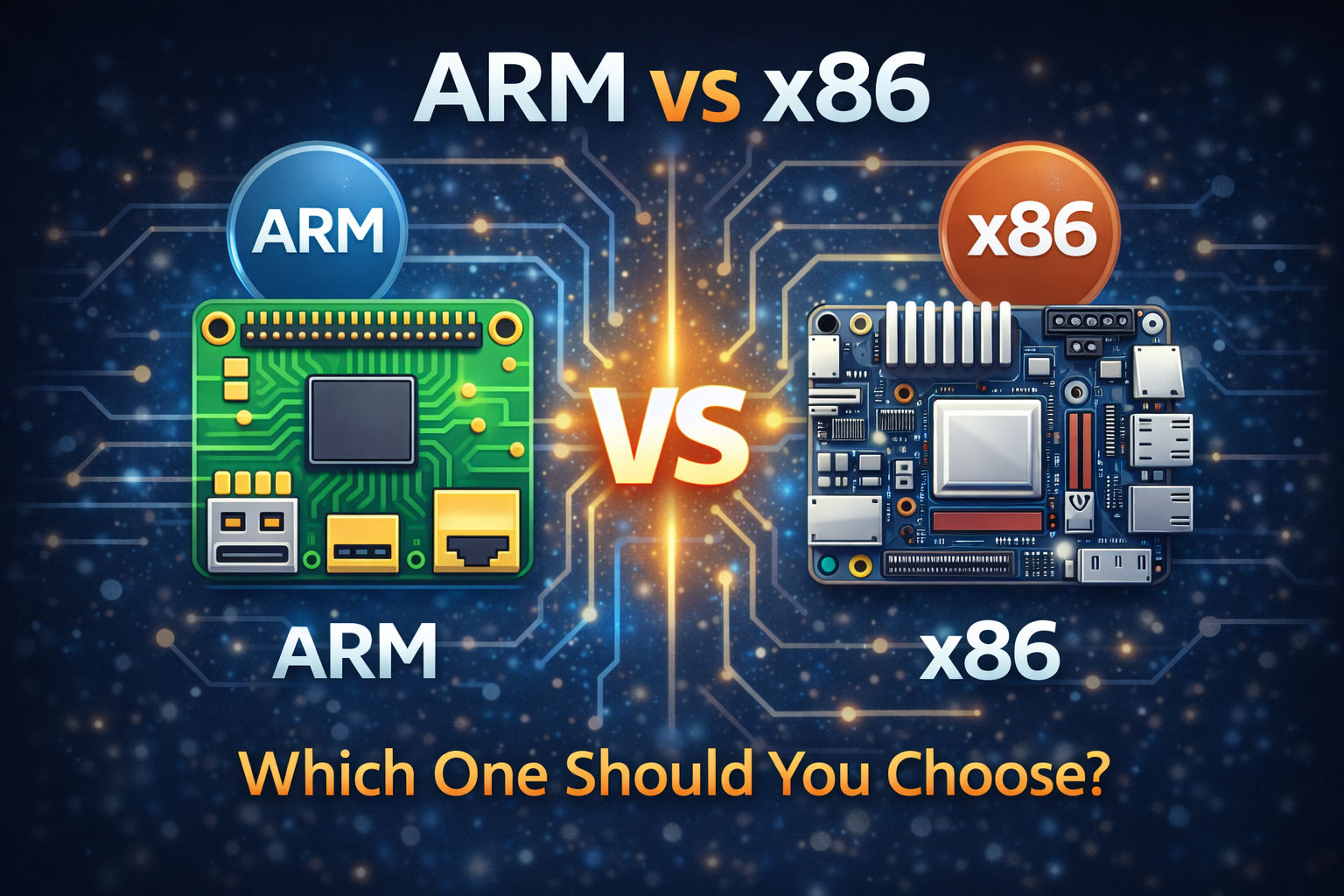
When choosing a single board computer (SBC), one of the most important decisions you’ll make is selecting the processor architecture: ARM or x86.
This choice affects performance, power consumption, software compatibility, and price. In this guide, we’ll break down the real differences between ARM vs x86 single board computers so you can choose the right one for your project.
What Is ARM?
ARM is a processor architecture designed for efficiency and low power consumption.
Most popular SBCs use ARM processors, including boards powered by chips from Broadcom, Rockchip, Allwinner, and similar vendors.
Why ARM Is Popular in SBCs
- Low power usage
- Lower heat generation
- Affordable hardware
- Strong Linux support
- Huge community ecosystem
ARM is the dominant architecture in:
- Raspberry Pi-style boards
- IoT devices
- Mobile devices
- Embedded systems
What Is x86?
x86 is the traditional architecture used in desktop and laptop computers.
Some higher-end SBCs use Intel or AMD processors based on x86 architecture.
Why x86 Is Used in Some SBCs
- Desktop-class software compatibility
- Strong performance per core
- Native Windows support
- Better compatibility with legacy applications
x86 SBCs are often more expensive but offer PC-like flexibility.
Key Differences: ARM vs x86 SBCs
Here’s a direct comparison:
| Feature | ARM SBC | x86 SBC |
|---|---|---|
| Power Consumption | Very low | Higher |
| Heat Output | Low | Moderate to high |
| Cost | Usually cheaper | Usually more expensive |
| Software Compatibility | Mostly Linux | Linux + Windows |
| Performance per Core | Moderate | Higher |
| Community Support | Very strong | Moderate |
| Battery-Friendly | Yes | Less ideal |
Performance Differences
ARM Performance
Modern ARM chips are very efficient and can handle:
- Web servers
- Media playback
- IoT gateways
- Home automation
- Lightweight containers
They’re optimized for energy efficiency over raw power.
x86 Performance
x86 processors typically:
- Have stronger single-core performance
- Run heavier applications more smoothly
- Handle virtualization better
If your project requires more CPU-intensive tasks, x86 may be a better choice.
Power Consumption and Heat
This is where ARM shines.
ARM SBCs:
- Often run fanless
- Consume 5–15 watts
- Are ideal for 24/7 systems
x86 SBCs:
- Consume more power
- May require active cooling
- Better suited for performance-focused builds
For battery-powered or always-on systems, ARM is usually the smarter choice.
Software Compatibility
This is a critical factor.
Choose ARM if:
- You plan to use Linux
- Your applications are ARM-compatible
- You don’t rely on legacy desktop software
Choose x86 if:
- You need Windows support
- You run x86-only software
- You want maximum compatibility with PC apps
Cost Considerations
ARM boards are generally:
- More affordable
- More widely available
- Lower total cost (including power and cooling)
x86 boards:
- Cost more upfront
- May require better cooling
- Sometimes include more expansion options
If you’re on a budget, ARM usually wins.
Which One Should You Choose?
Choose ARM If You:
- Are building IoT projects
- Want a home automation hub
- Need a low-power home server
- Are learning Linux
- Want a budget-friendly system
ARM is the best choice for most SBC users.
Choose x86 If You:
- Need Windows
- Run virtualization workloads
- Use x86-only software
- Want desktop-like compatibility
- Need stronger single-core performance
x86 is ideal when compatibility matters more than efficiency.
Real-World Use Case Examples
| Use Case | Recommended Architecture |
|---|---|
| Smart Home Hub | ARM |
| Pi-hole DNS Server | ARM |
| Lightweight NAS | ARM |
| Edge AI Inference | ARM or x86 (depends on workload) |
| Virtual Machines | x86 |
| Windows Application Server | x86 |
Final Verdict
For most hobbyists, makers, and home lab users, ARM-based single board computers are the best overall choice because they offer:
- Excellent efficiency
- Low cost
- Massive community support
However, if your project depends on Windows or legacy PC applications, an x86 SBC may be worth the extra cost and power usage.
The right answer depends entirely on your workload.